
Run the house without carrying it all in your head.
The recipes, the school run, the things someone needs to remember. Bring them into one shared home.

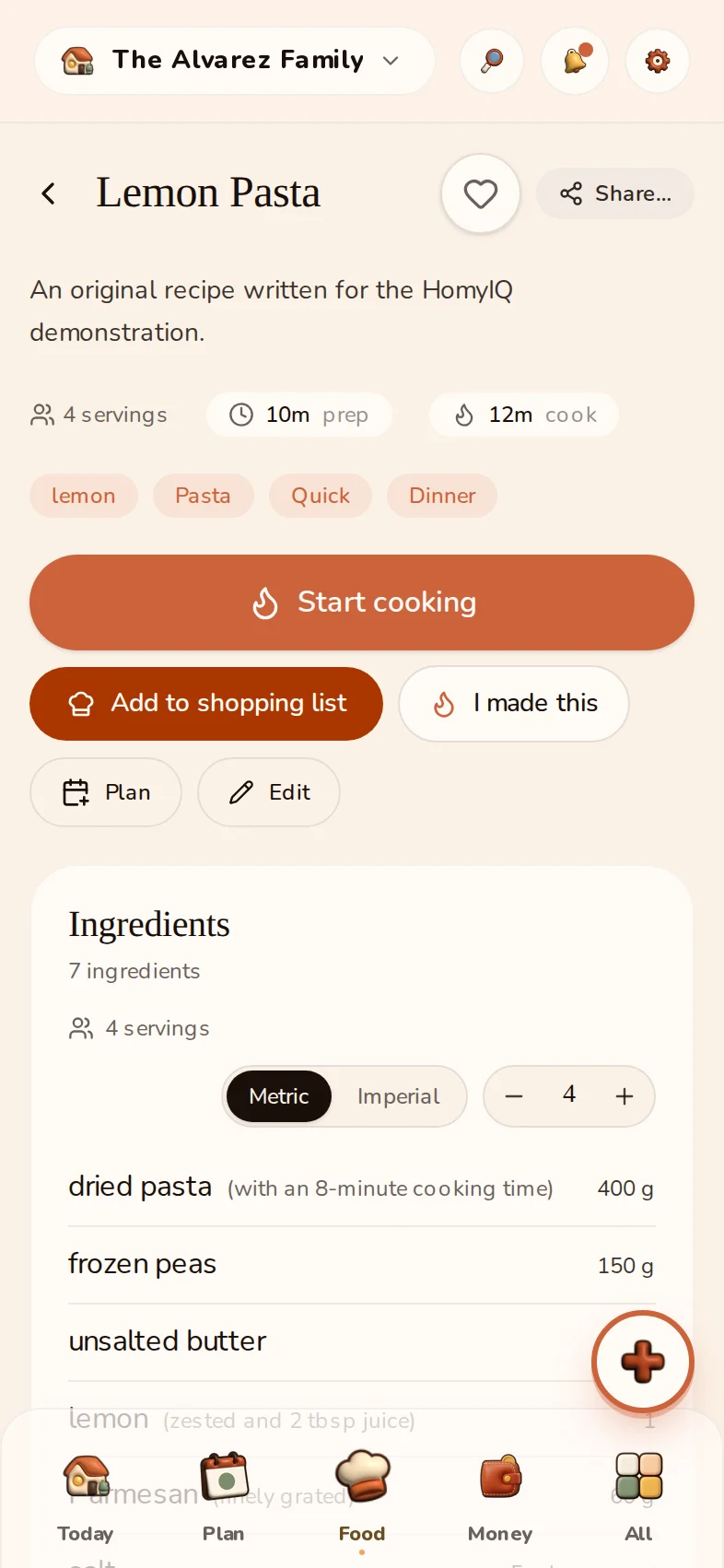
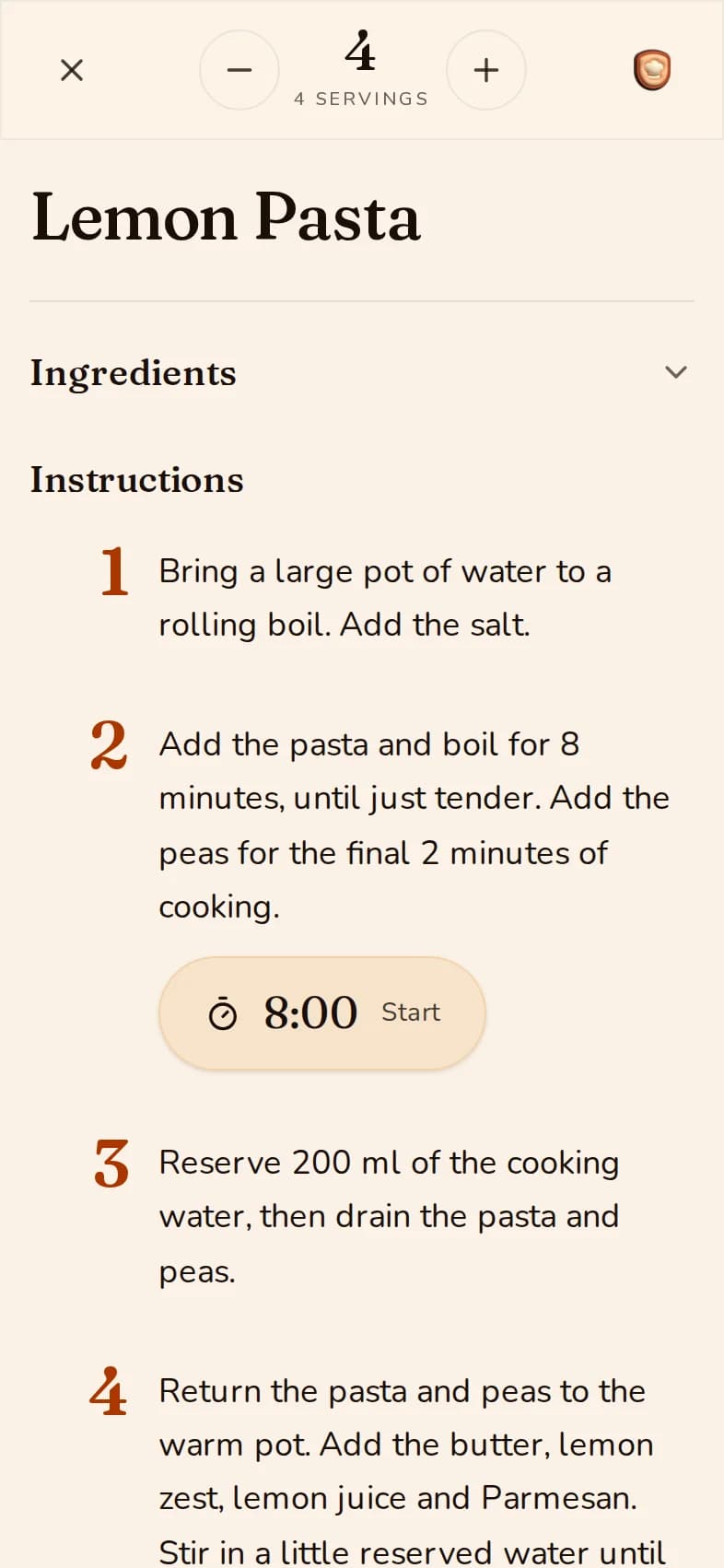
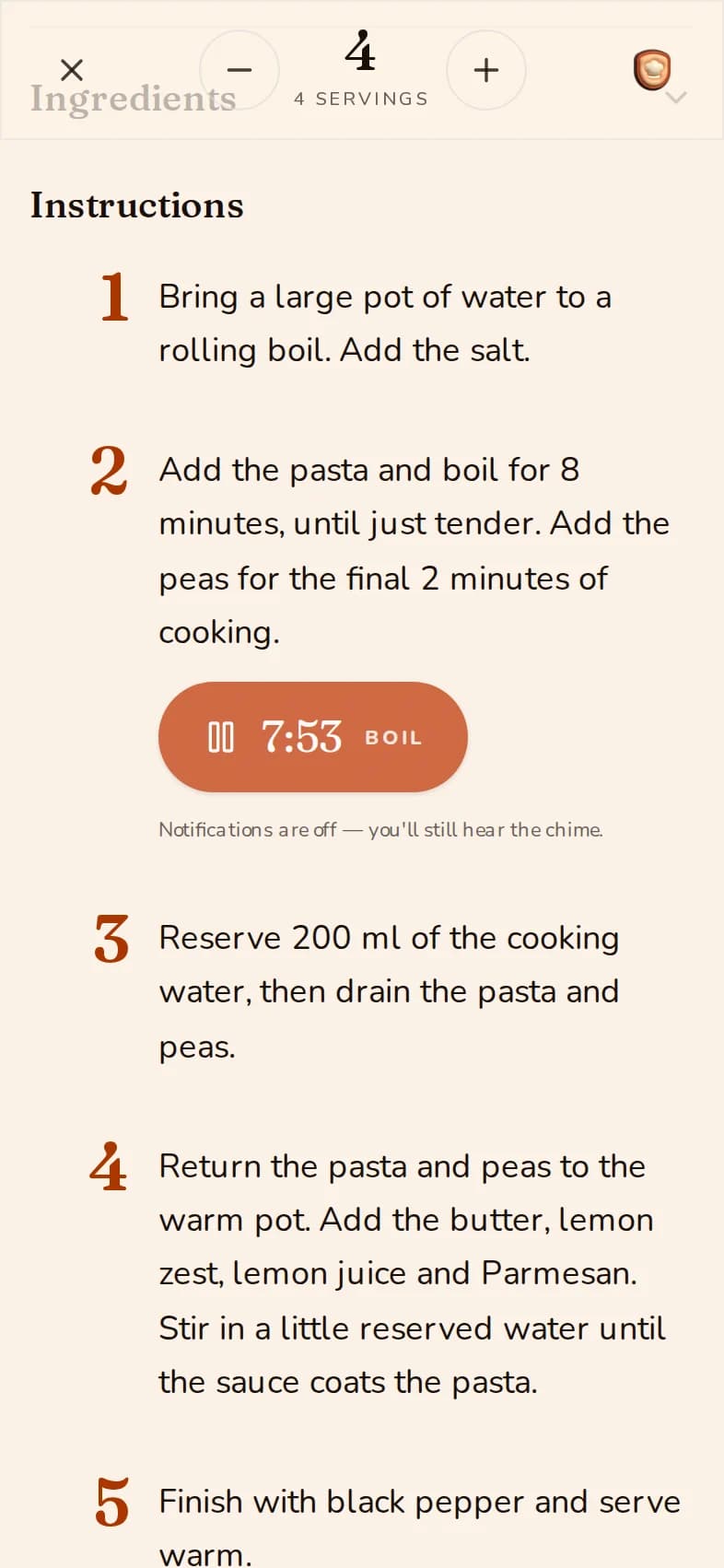
Keep the good recipes. Actually cook them.
Step-by-step cook mode with built-in timers and a hands-free Kitchen Display.
The Alvarez family · example household
Explore food and shopping ↗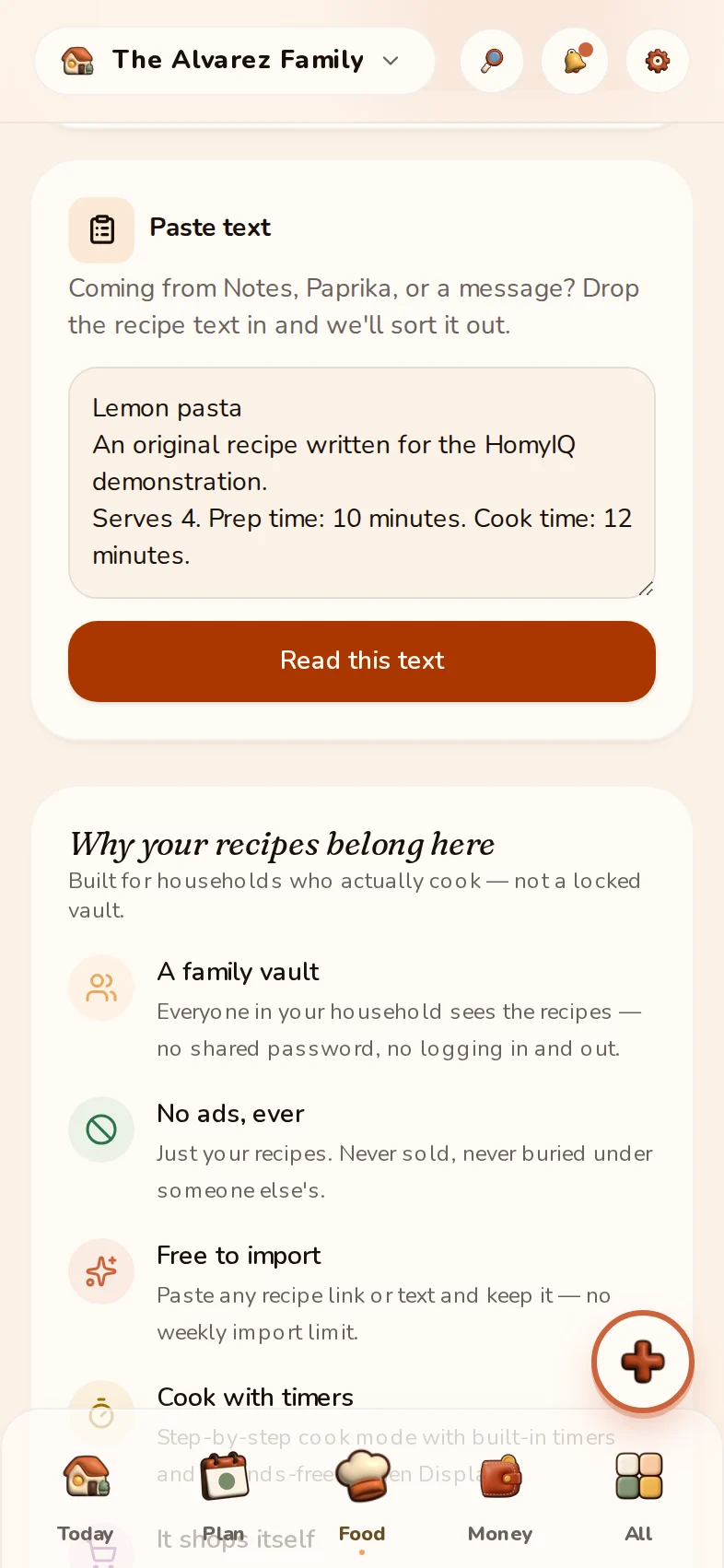
Say it while life is happening.
Your hands can stay with dinner. Wake HomyIQ, say what’s on your mind, then review the useful things it understood.
Interactive example · your microphone stays off
Local wake is separate from cloud AI organization. Supported devices and languages vary.

“Add milk, and ask Rob to take out the recycling tonight.”
The Alvarez family · example household
Money
Know what’s due. See where it goes.
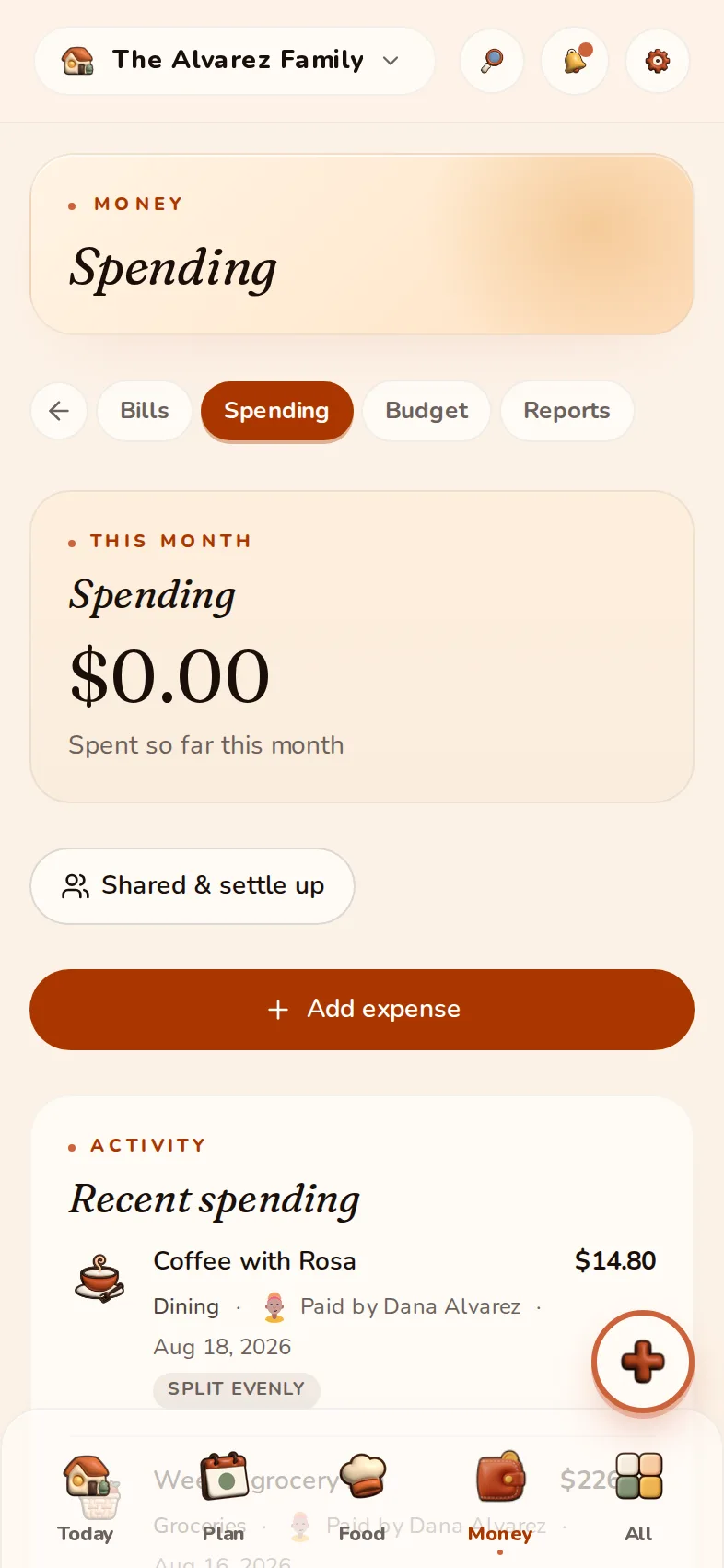
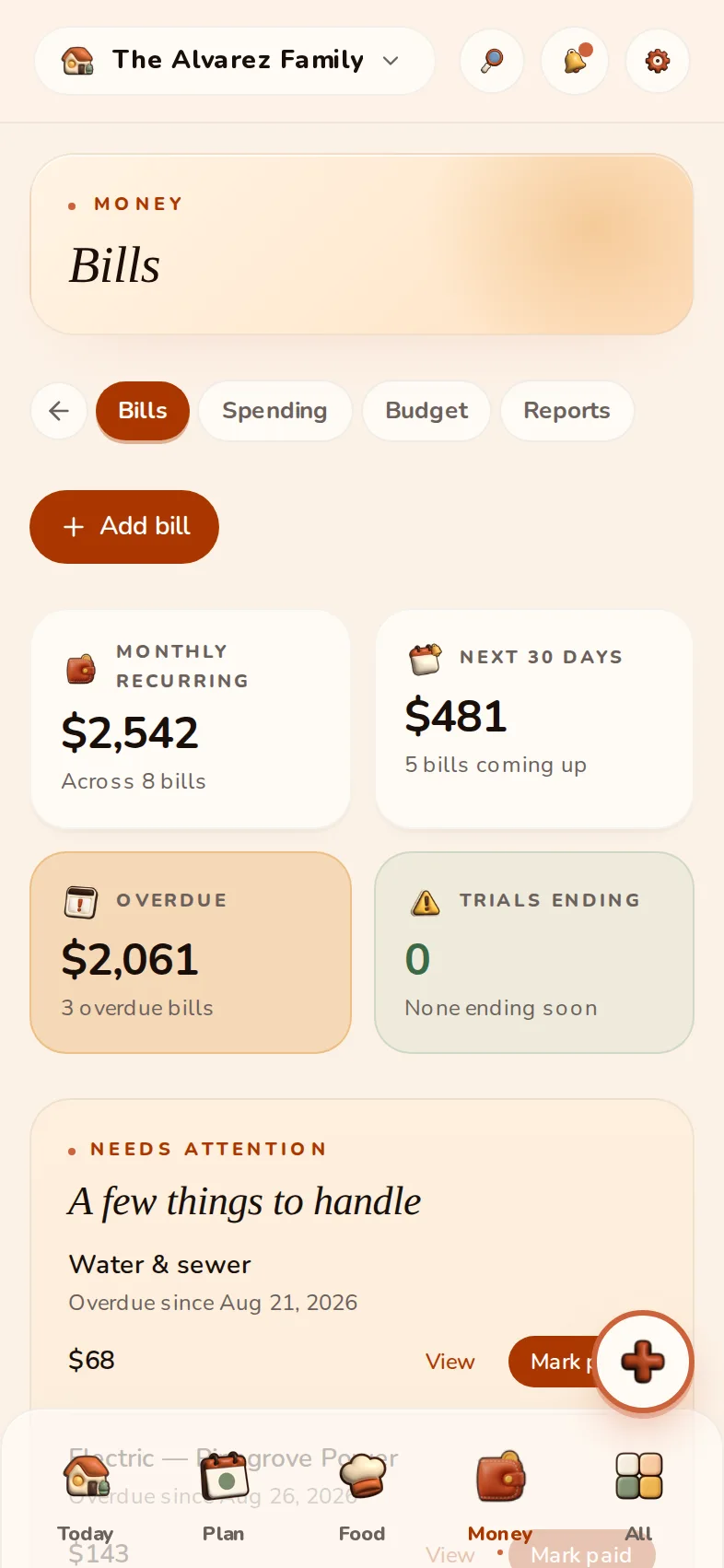
Bills, shared costs and everyday spending, together in one household view.
Bills
What is due, when, and whether it is handled.
Shared expenses
Who paid and who owes, without moving money.
Spending targets
A gentle monthly ceiling for each category.
Track what is owed and recorded. HomyIQ does not move money.
The part that makes it shared
Someone else takes it from here.
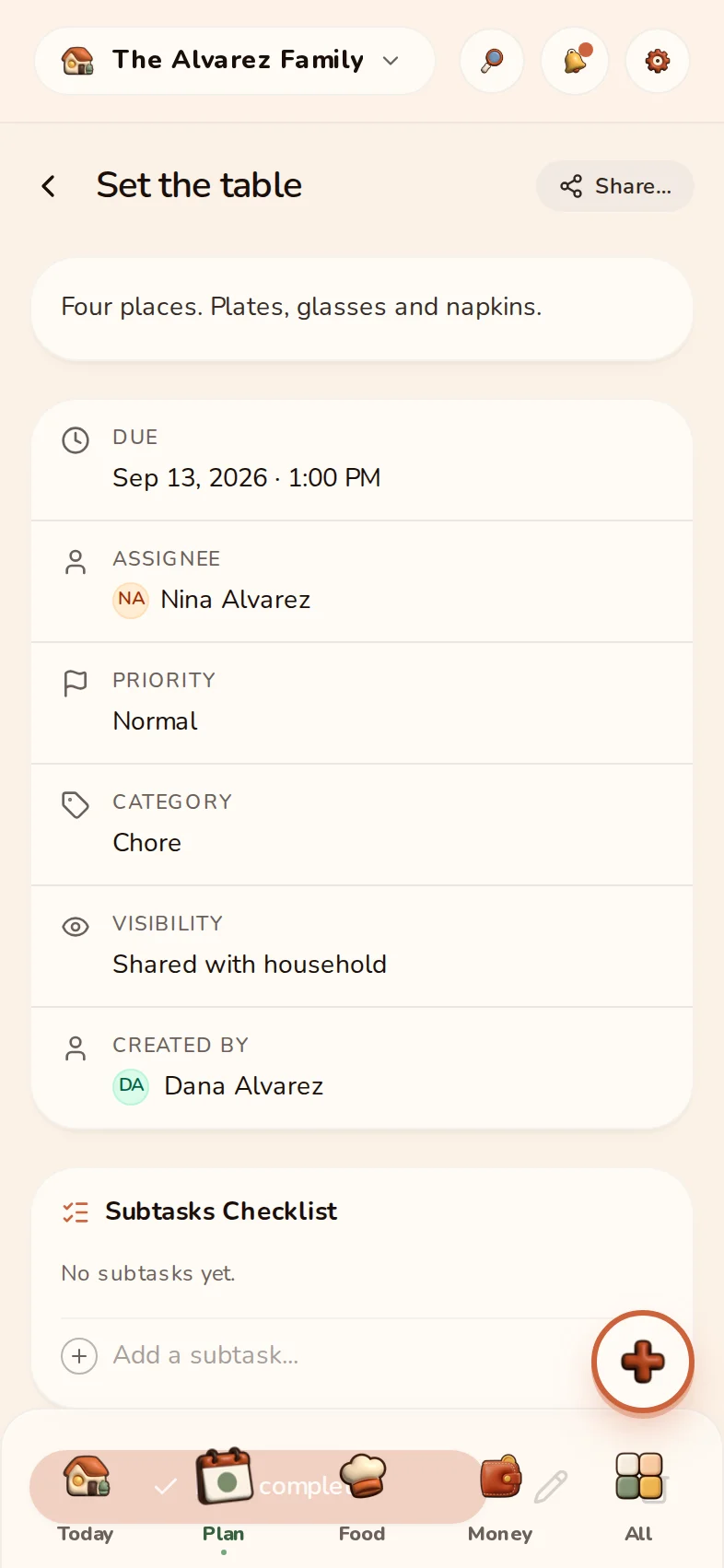
Give Nina a chore. She sees her part, checks it off, and the shared plan catches up.
Explore tasks and chores ↗The Alvarez family · example household
One home. Each person's language.
Grandma reads her view in Arabic. The kids use English. Same household, same plan. Large text, high contrast and right-to-left are real app modes, not a mock-up.
This preview changes only the example. The language switcher in the menu changes the whole site and carries into sign-up.
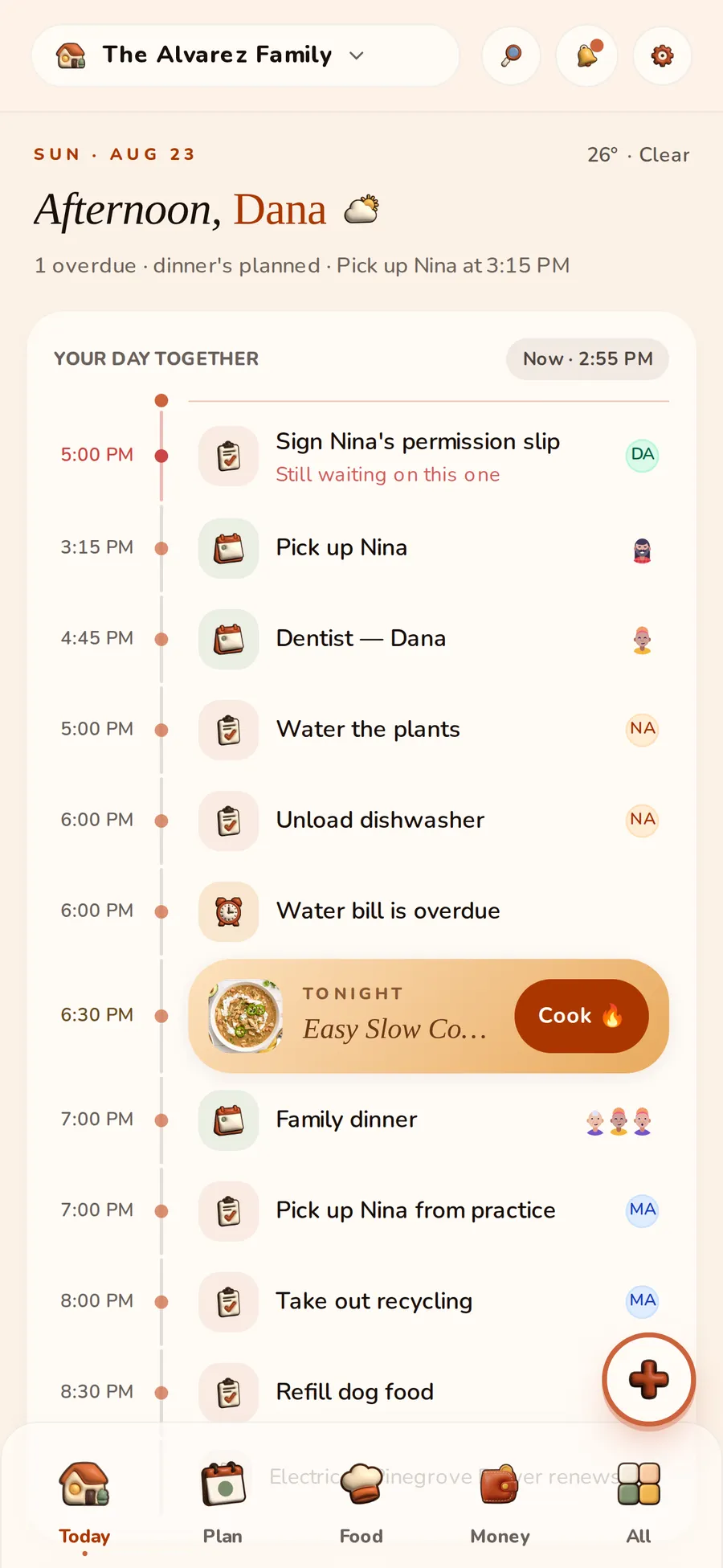

A place the whole home passes
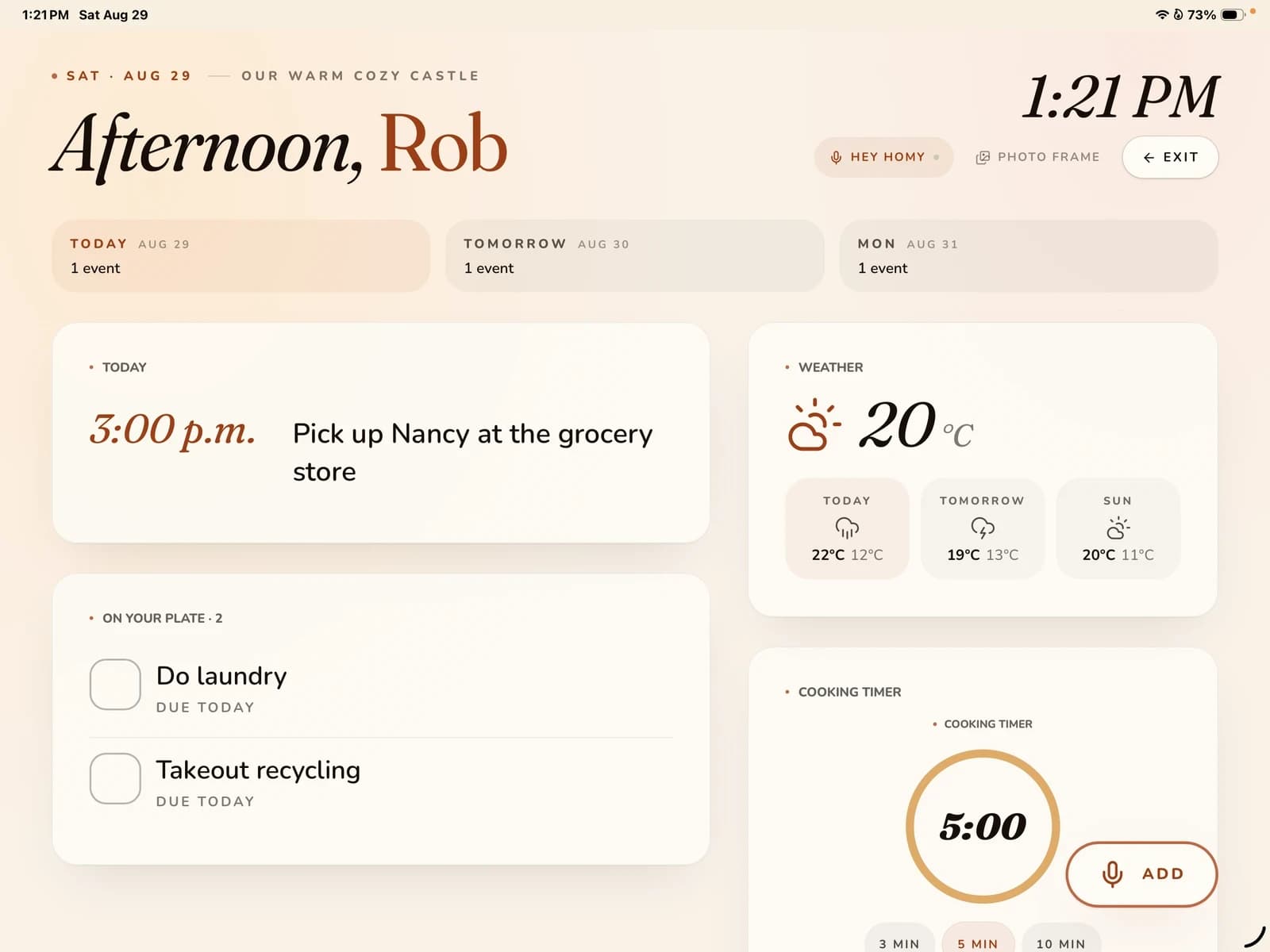
A tablet on the counter. A day you can share.
Today’s plan when you need it. Your photos when things slow down. A familiar place to find what comes next.
Explore Kitchen Display ↗Photos and Today in Free · ongoing AI in Premium
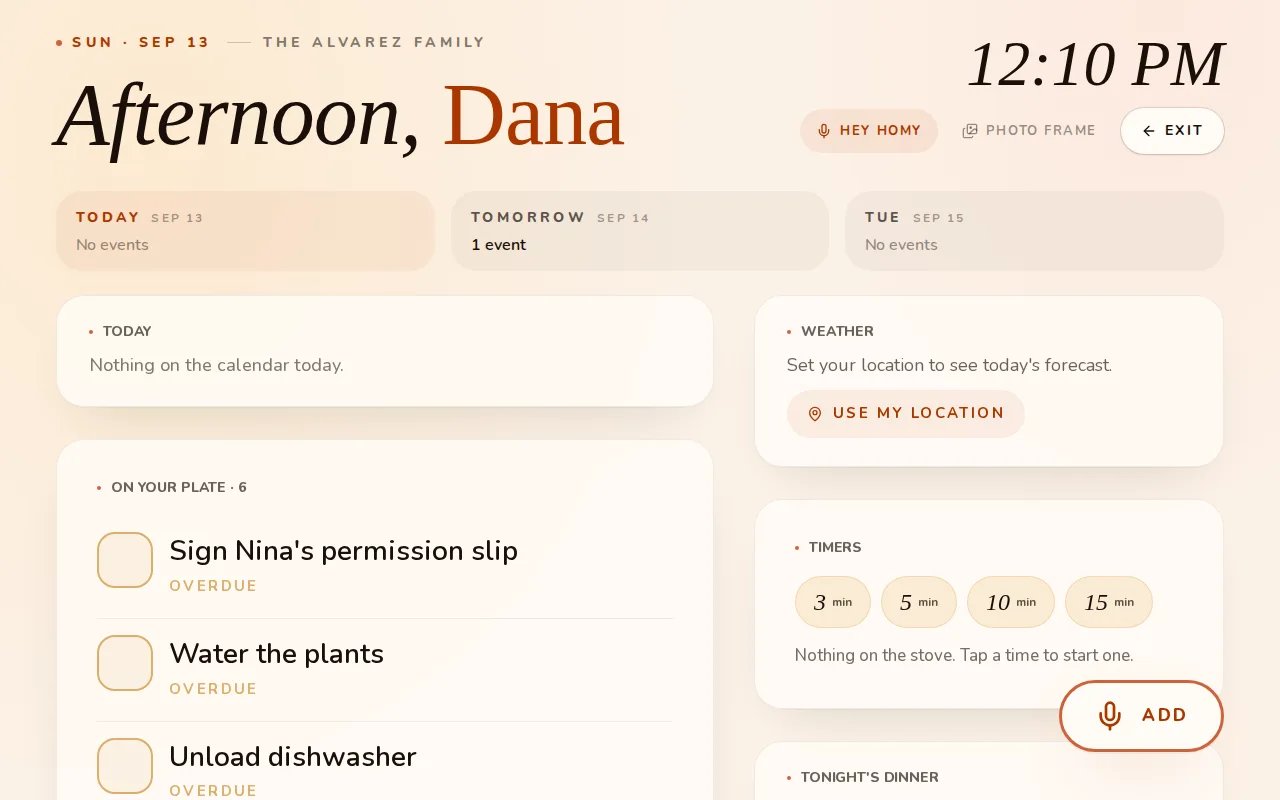
This screensaver demonstration uses kitchen artwork made for the example household.
The rest of the home belongs here, too.
Planning, food, money and the records of your home, connected in one place.
See every featureA little more help. For all of you.
Premium brings ongoing AI organization, connected calendars and more room for the home. Or begin with Free, at your own pace.
The whole home, fully unlocked.
Explore PremiumCreate your household first. Check available plans and current terms in the app.
- Up to 8 members
- AI capture from photos, email and voice
- Google Calendar & Tasks sync
- Shared expenses, budgets, and bill auto-ingest
- Unlimited documents and biometric app lock
Fair use: 500 AI actions a month. Most count as one; a long video or a multi-page receipt counts for more. What is free, and what is Premium?
Everything a household needs to get organized.
Start free- Up to 3 members
- Tasks, calendar, lists, and pantry
- Manual bills and reminders
- 10 documents in the vault
- 10 free AI actions in total
Private by design.
No ads. No selling. Your household is yours, and you can leave with everything.
Everything you might be wondering.
HomyIQ started with a fridge covered in paper and one parent carrying the whole schedule in their head. It's built independently — no ad company, no data broker — together with the founding families who use it every day and tell us, bluntly, what a real household needs.
— Rob, founder
Less carrying. More living.
No card needed. Start with Free and explore Premium from your household.